
Accessibility in Next.js and React
Most apps we ship don't pass a basic a11y audit
A practical accessibility checklist for Next.js and React projects: real semantic HTML, AA contrast, visible focus states, purposeful aria-labels, and keyboard-only navigation. What started as a compliance checkbox ended up surfacing real UX bugs.
Share this post
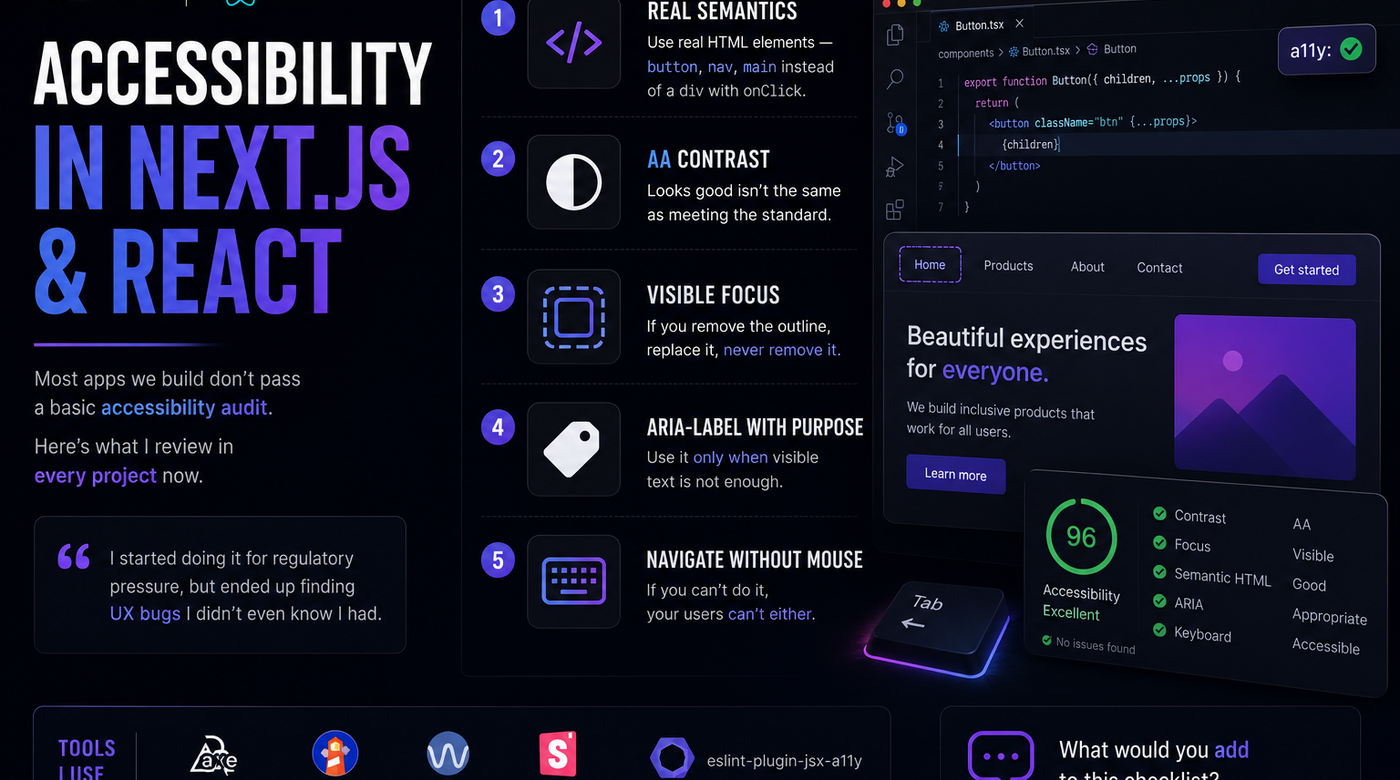
Most apps we build don't pass a basic accessibility audit.
It's not for lack of care — it just isn't on the checklist. Here's what I now review on every project:
- 🔲 Real semantics — button, nav, main instead of a div with onClick.
- 🎨 AA contrast — reading fine isn't the same as meeting the standard.
- ⌨️ Visible focus — if you remove the outline, replace it; never delete it.
- 🏷️ aria-label with judgment — only when the visible text isn't enough.
- 🖱️ Navigate without a mouse — if you can't, your user can't either.
I started doing this because of regulatory pressure, but ended up finding UX bugs I didn't even know I had.
What would you add to this list?